
Monport 80W CO2 Laser
13 results
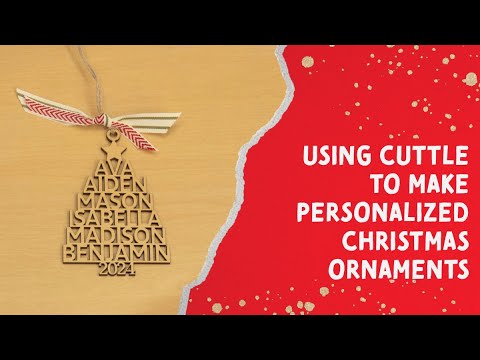
@Cuttle: The Hidden Secret to Customizable Christmas Ornaments with Your Laser
Patrick Campanale demonstrates how to design customizable Christmas ornaments using the Cuttle website, showcasing a quick and easy process.
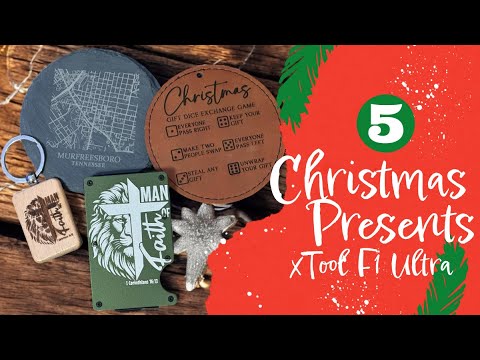
5 Christmas Presents You Can Make With Your @xToollaser F1 Ultra
Patrick Campanale showcases five Christmas gift ideas that can be created using an xTool F1 Ultra laser.

Connecting to your laser with Lightburn over Ethernet – Easier than you think
Patrick provides a step-by-step guide on connecting a Ruida-powered laser to Lightburn over Ethernet, simplifying the setup process.
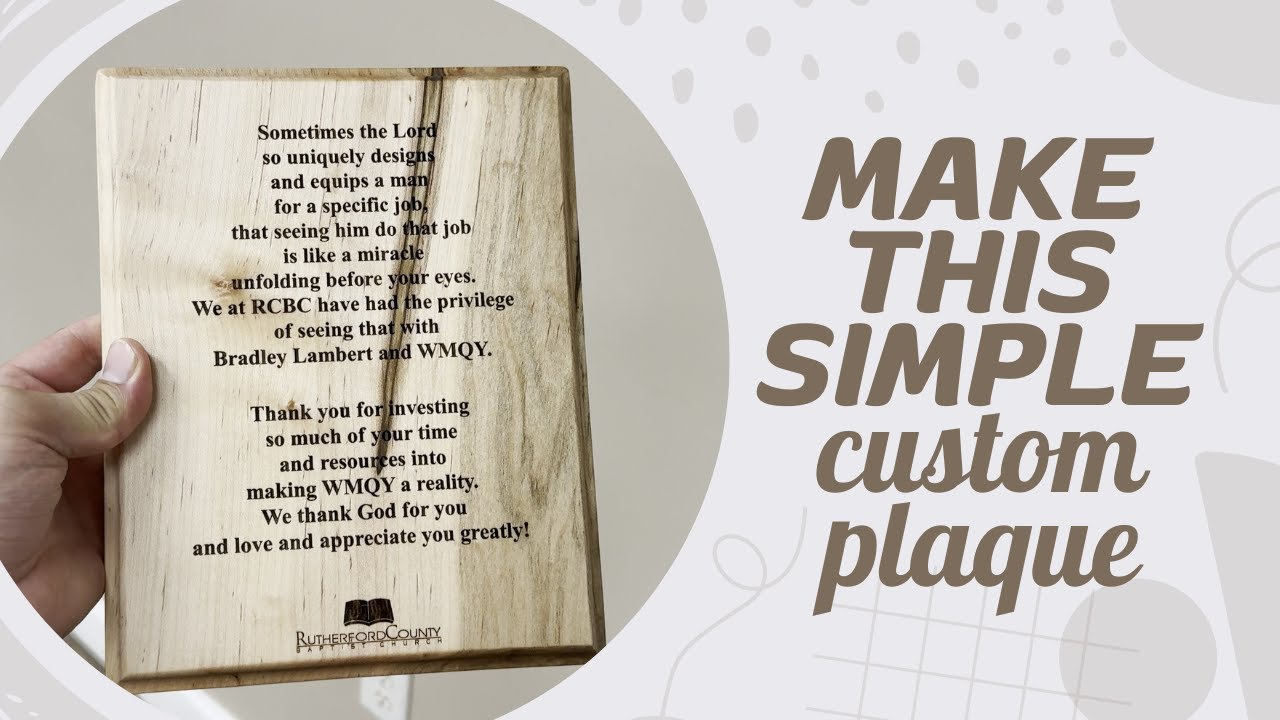
Create Your Own Laser Engraved Plaque
Patrick Campanale demonstrates how to create an award plaque using a laser engraver, aiming for a project that can be completed in under 30 minutes.
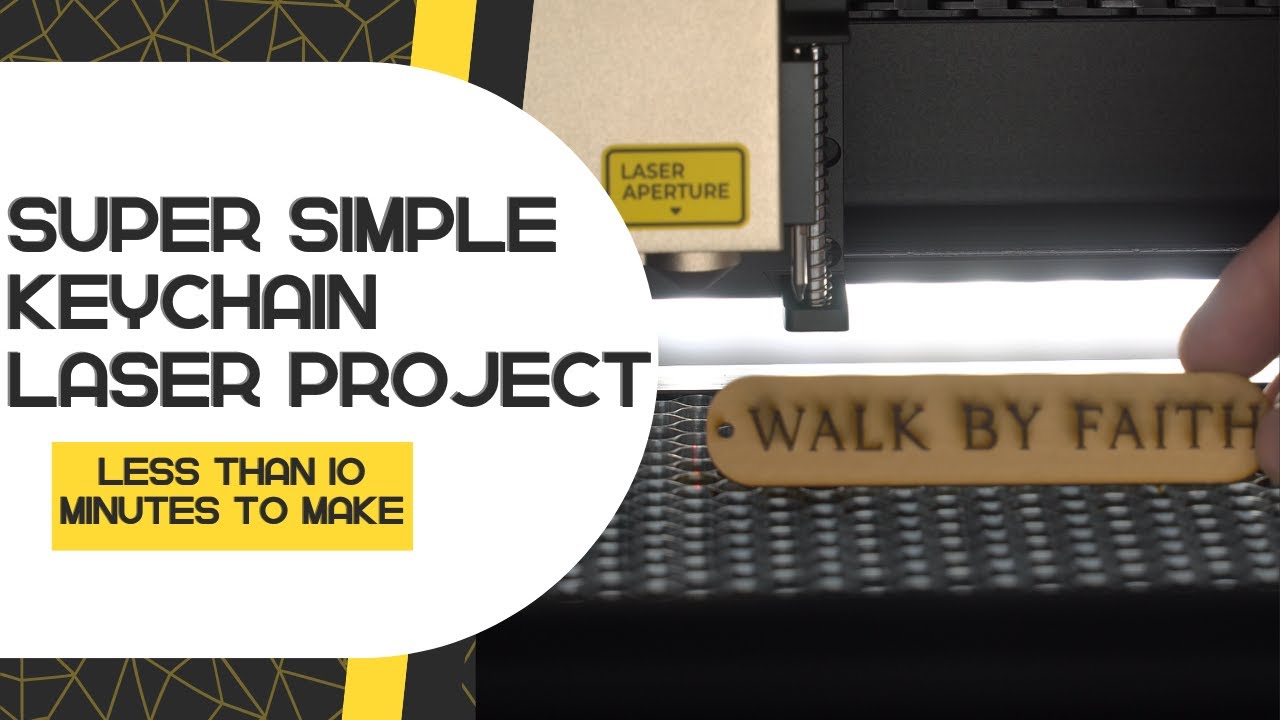
Easy project you can make AND SELL with ANY LASER! | Featuring @xToollaser S1 40W
Patrick Campanale demonstrates how to design and cut simple keychains using an xTool laser, showcasing a quick and easy project suitable for beginners.
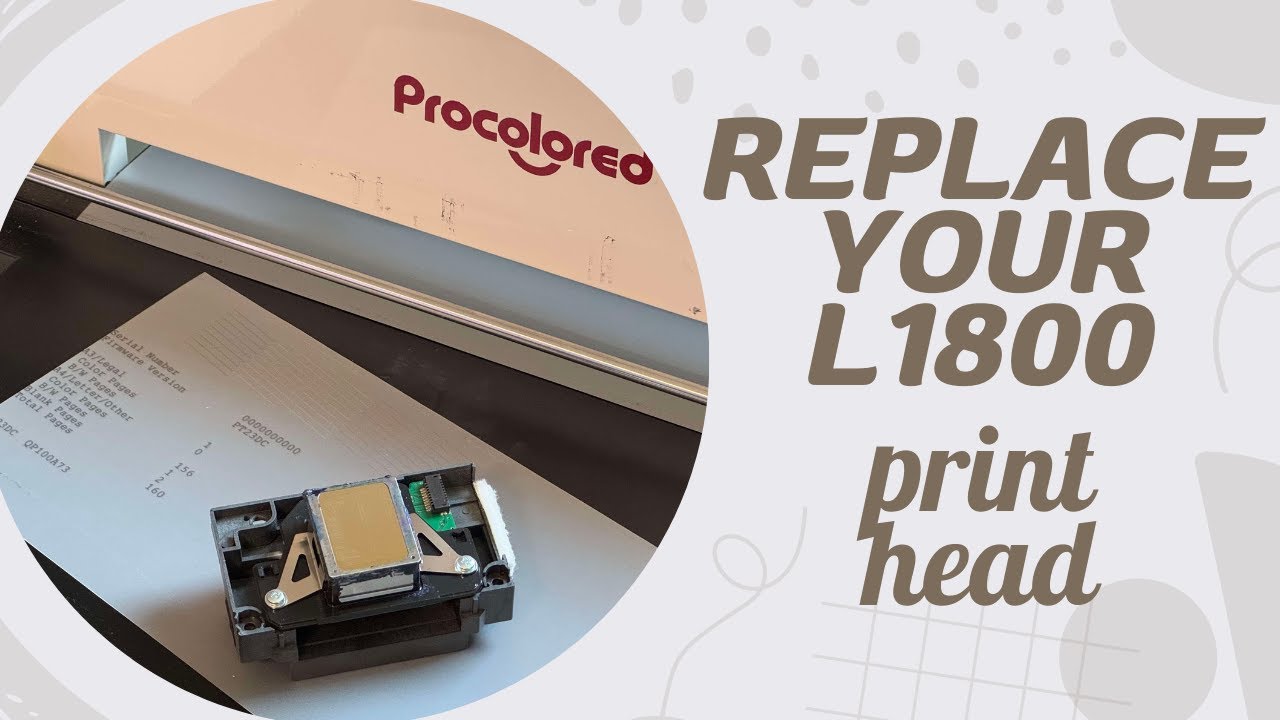
How To Fix L1800 DTF Printer Not Printing White
Patrick Campanale guides viewers through troubleshooting and replacing a failing print head on an L1800 DTF printer.
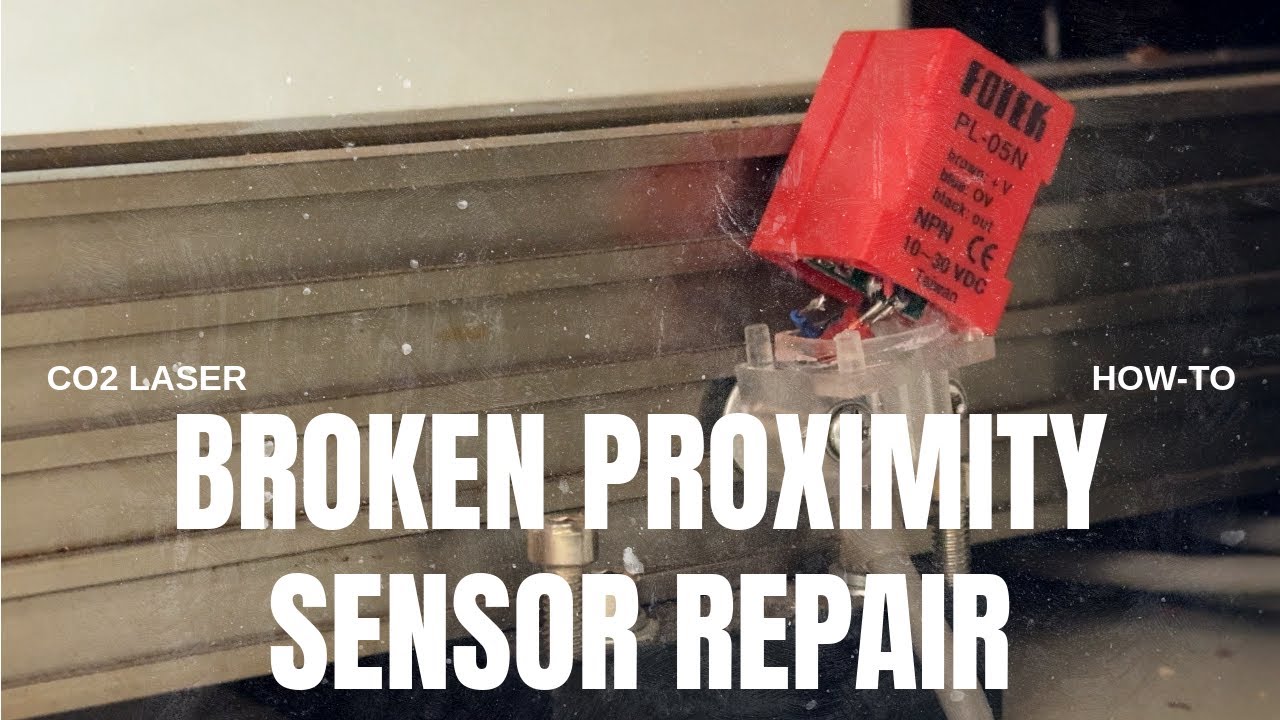
How to replace a broken proximity sensor on a CO2 laser
Patrick Campanale demonstrates how to replace a broken proximity sensor on his Monport CO2 laser.
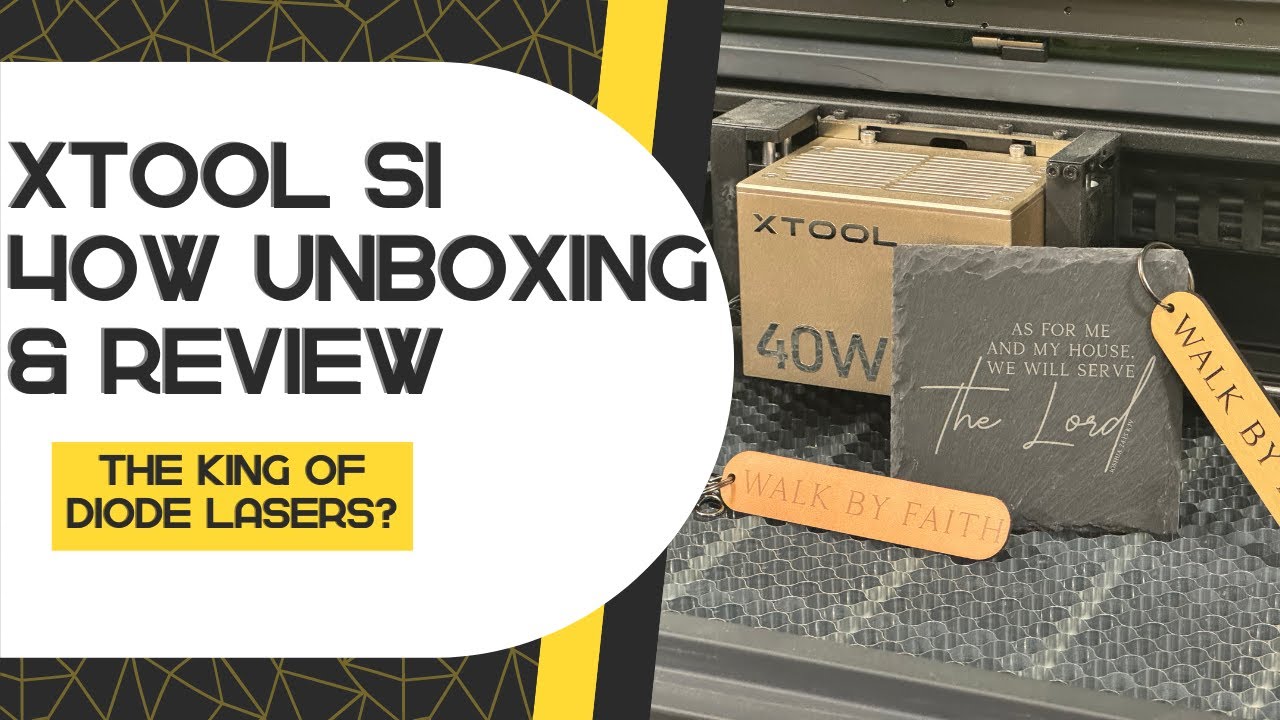
Is this the king of diode lasers? | @xToollaser S1 40W Unboxing and Review
Patrick Campanale reviews the xTool S1 40W diode laser, exploring its features and capabilities as a potentially revolutionary machine in the laser engraving market.
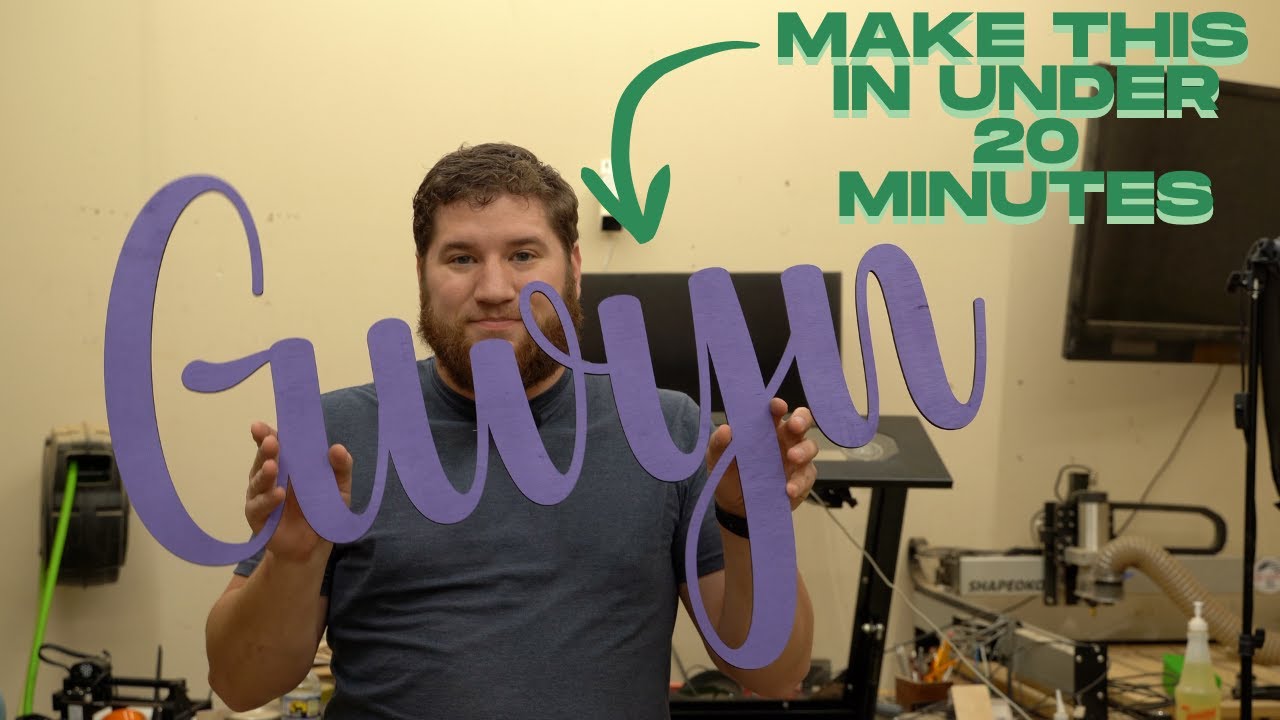
Make a Custom Name Sign in 20 Minutes with Your Laser
Patrick Campanale demonstrates how to create a custom name sign using a laser cutter, completing the project in approximately 20 minutes.
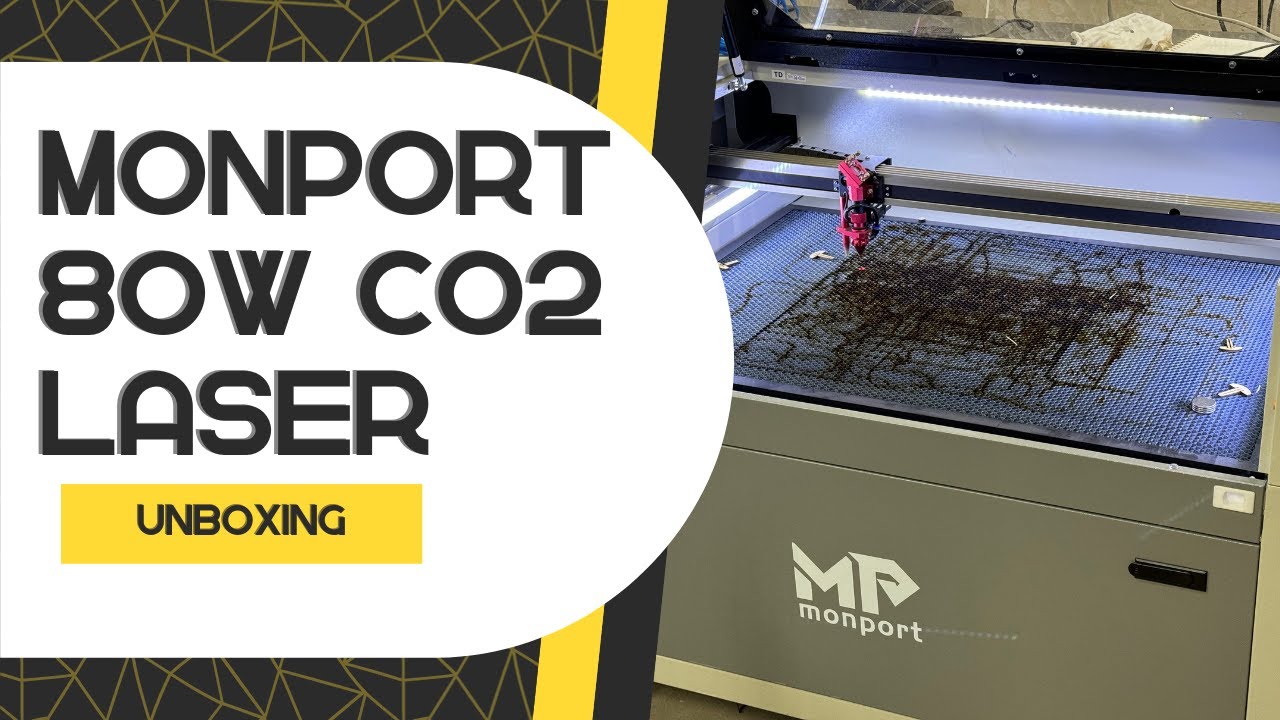
Unboxing the @monportlaser 80W CO2 laser engraver
Patrick unboxes and sets up a Monport 80W CO2 laser engraver, showcasing its features and initial performance.
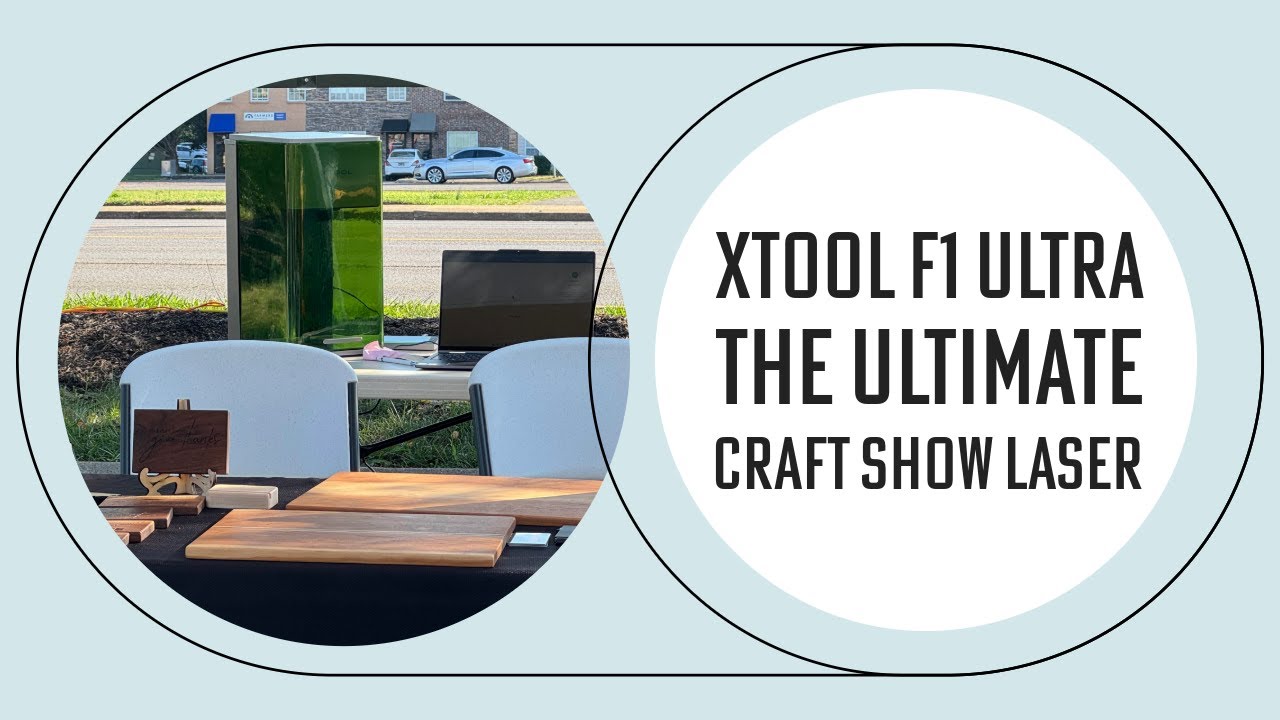
xTool F1 Ultra: The Perfect Craft Show Laser
Patrick Campanale demonstrates the capabilities of the xTool F1 Ultra laser for craft shows, highlighting its portability and versatility.
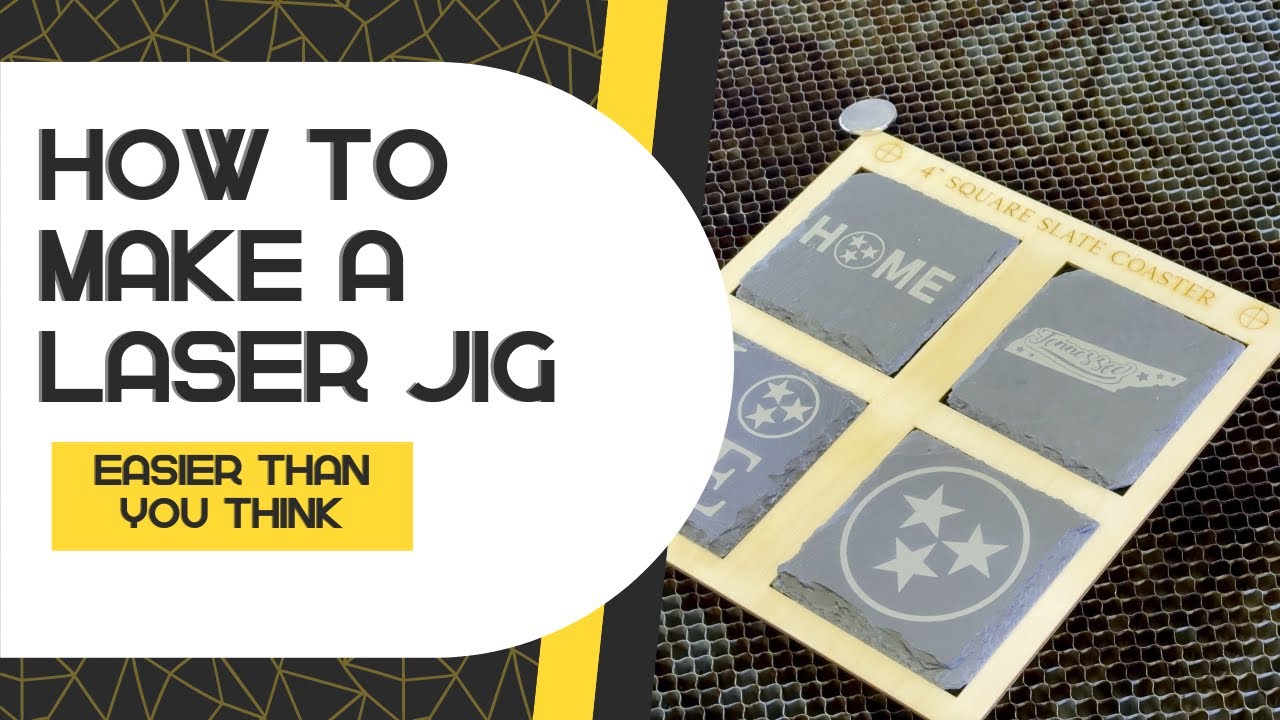
You won’t believe how easy it is to make this laser jig
Patrick demonstrates how to create a reusable laser jig using Lightburn, enabling repeatable projects with improved accuracy.
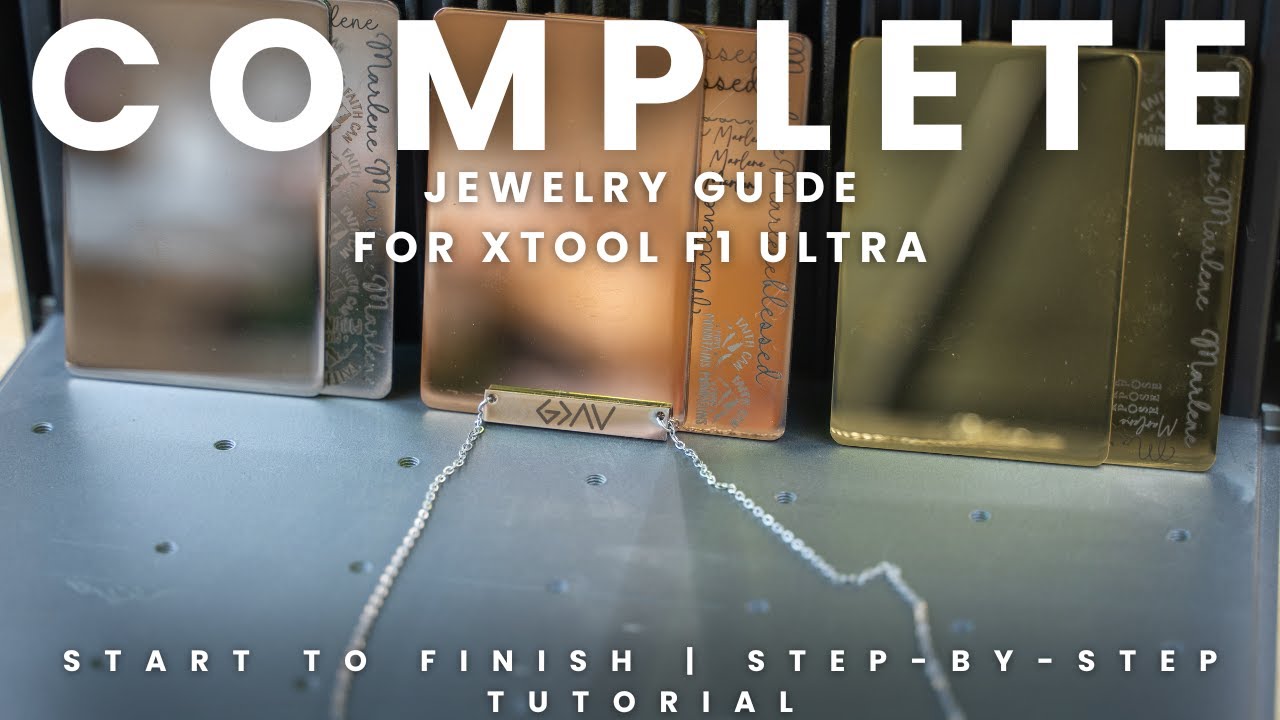
You Won’t Believe How Easy Jewelry Making Can Be with xTool F1 Ultra
A detailed xTool F1 Ultra jewelry lesson explains stainless-steel annealing, test grids, alignment, and settings selection.