
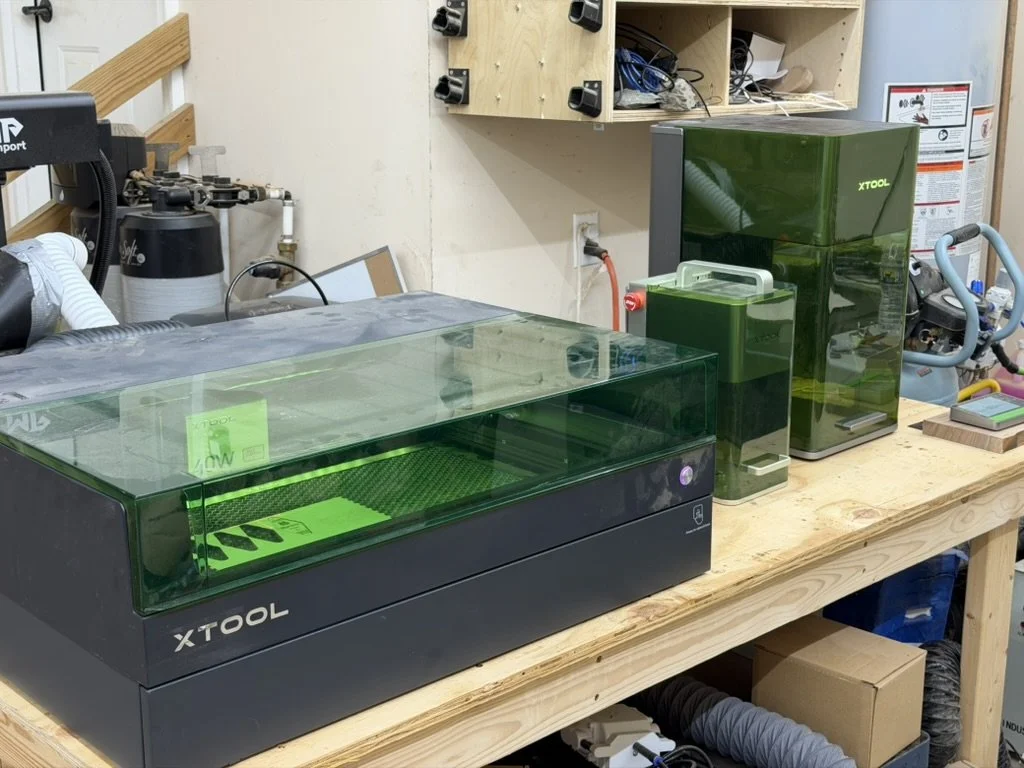
xTool Studio is the unified replacement for xTool Creative Space, and it brings practical upgrades worth looking at: device simulation, smart nesting, built-in generators, an asset library, cloud autosave, and material-aware previewing.
Features to try first
- Switch devices and test One-Click Set on common materials.
- Paste several shapes into a sheet-sized area and try Smart Nesting.
- Save the logos and frames you reuse as Assets.
- Preview on the selected material before sending the job.
This guide records the software as tested at publication. Support, pricing, and feature availability may change.